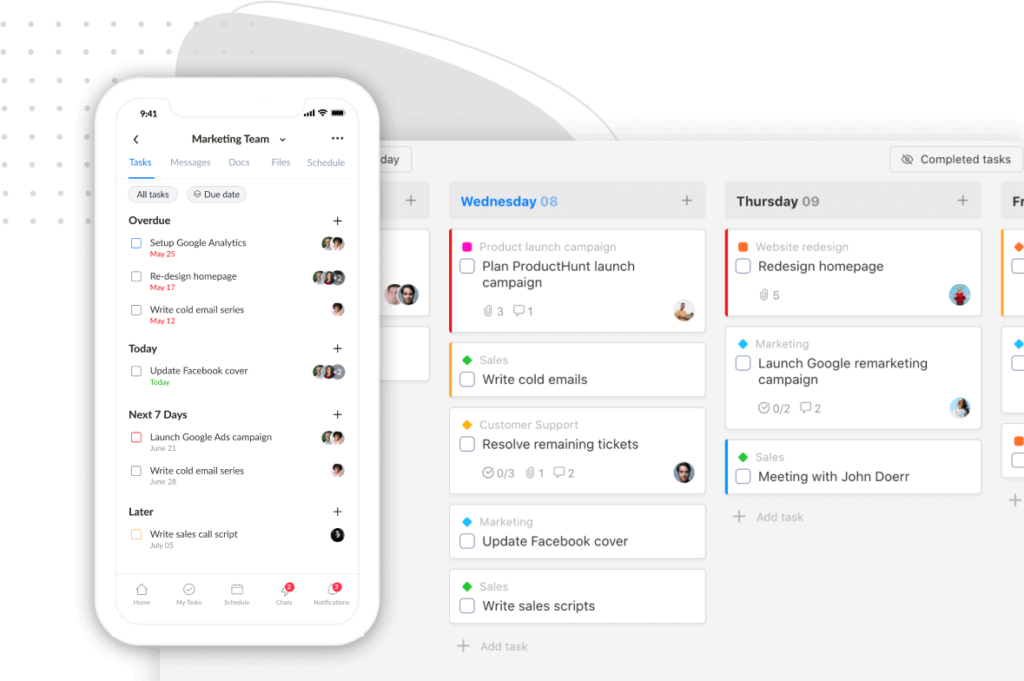
We’re excited to roll out a major productivity boost in Upbase: Automations!
Now you can automate repetitive actions and focus on what really matters—getting work done.
With just a few clicks, you can create automation rules like:
✅ When a task is marked complete, move it to the “Done” section
✅ When a task is added to a list, assign it to someone automatically
✅ When a task is moved to a section, share it with guests
✅ And much more…

No more manual updates. No more dropped balls. Just smarter workflows running on autopilot.
We built a free resource board with the best tools, templates, and guides for running a small agency. No signup required.
Browse the Agency Resource Hub →How to Get Started
1/ Click the Automations icon at the top-right corner of the Tasks view in any list to create your first automation.

2/ In the Automations modal, click Add Rule. Choose a trigger andone or more actions, then click Save – your automation is now active!

Important Notes
- Automations cannot trigger other automations
- Each automation supports one trigger, but multiple actions
- Automations are currently only available on the web app. They do not work on the mobile app yet—but we’re working on it!
🚧 This is an early beta release, and we’re just getting started. More powerful features are on the way—stay tuned!
Recent updates
- 7 updates to make working with tasks faster June 8, 2026
- 🎉 New in Upbase: Bookmarks, Notes, and Recents — now one keystroke away from anywhere May 28, 2026
- 🎉 New in Upbase: Rename and reorder modules, resizable sidebar, and description templates May 21, 2026
- 🎉 New in Upbase: Workspace timeline and Daily review May 5, 2026
- 🎉 New in Upbase: Retainer billing and the Profitability Report April 22, 2026