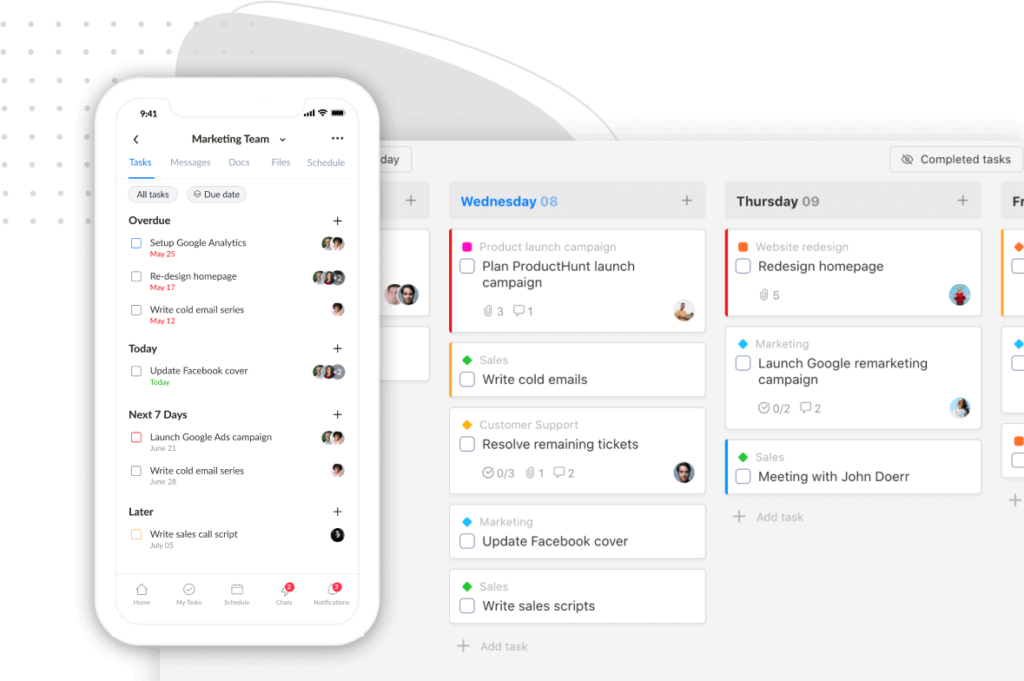
We’re excited to share some brand-new features and improvements in Upbase—designed to make your workflow even smoother. Let’s dive in!
✨ Flexible Scheduling
You can now drag tasks from Spotlight and global filters directly onto a specific day to schedule them. Even better—your last selection will be automatically saved for next time.
In Schedule views, just press ‘S’ to open the Scheduling Tasks sidebar and start planning faster.

Compact Task View
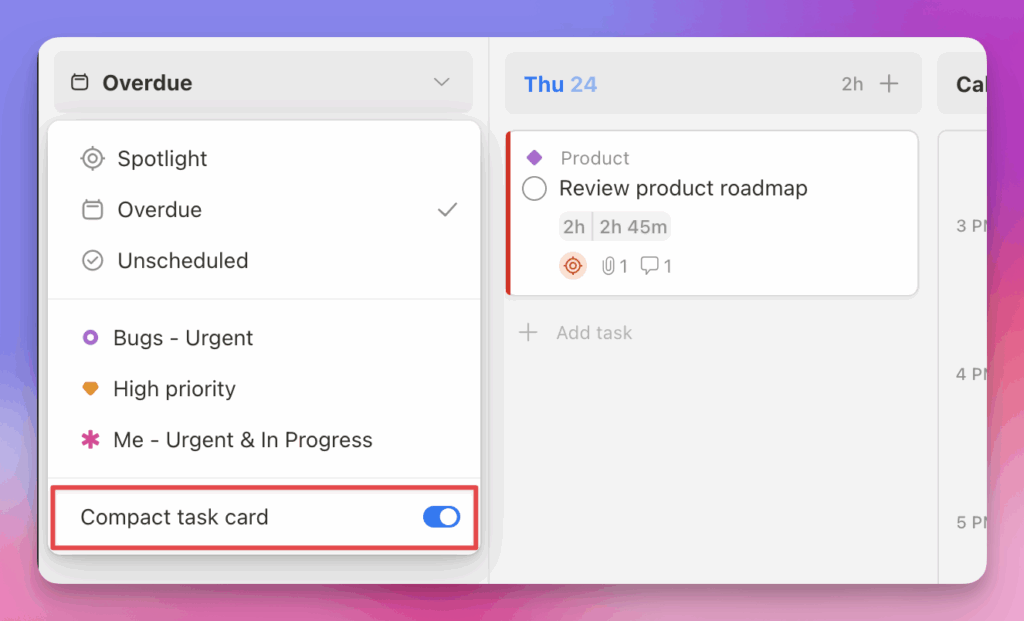
Have a long list of tasks? Turn on the Compact Task Card layout to get a more compact view and see more tasks at once without scrolling.
⏰ All-New Overdue Report
You can now view all your overdue tasks across different lists—right from the Reports menu. A quick way to catch up and stay on track!

🗂️ Better List View Experience
Section colors
Make your lists more organized and visually appealing with section colors—now available in list view!

Add Tasks to the Top
Need to prioritize new tasks? You can now add tasks to the top of any group in list view. Just hover over the group name—whether you’re grouping by section, due date, priority, or another field—and click “Add Task”:

P.S. Not seeing the updates? Try a hard refresh on your browser to make sure you’re using the latest version of Upbase.
Thanks for being part of the Upbase journey! 🚀
Recent updates
- New in Upbase: Bulk task creation, better sharing controls, and more January 29, 2026
- ⏰ 24 hours left + Public task board sharing, and more January 15, 2026
- Big news to start 2026: Last Lifetime Deal + major updates January 8, 2026
- 🎉 New in Upbase: Smarter Guest Sharing, Status Updates, and more December 5, 2025
- New in Upbase: Meet the New & Improved Chat 🎉 October 31, 2025